Mobile PDF Editing Without Software (7 Easy & Powerful Ways)
Mobile PDF editing without software is becoming increasingly popular because users want quick solutions without installing heavy apps. Whether you need to update a document, add text, merge pages, or compress a PDF, browser-based tools make the process easy.
In this guide, you’ll learn how to do mobile PDF editing without software using simple, secure, and free methods on Android or iPhone.
Why Choose Mobile PDF Editing Without Software
There are many benefits to mobile PDF editing without software:
- No installation required — saves phone storage
- Fast access — works instantly in browser
- Works everywhere — Android and iPhone supported
- Secure — files auto-delete after processing
Instead of downloading large apps, users can now edit PDFs directly from mobile browsers.
7 Easy Ways for Mobile PDF Editing Without Software
Edit, merge, compress, and convert PDFs directly from your browser.
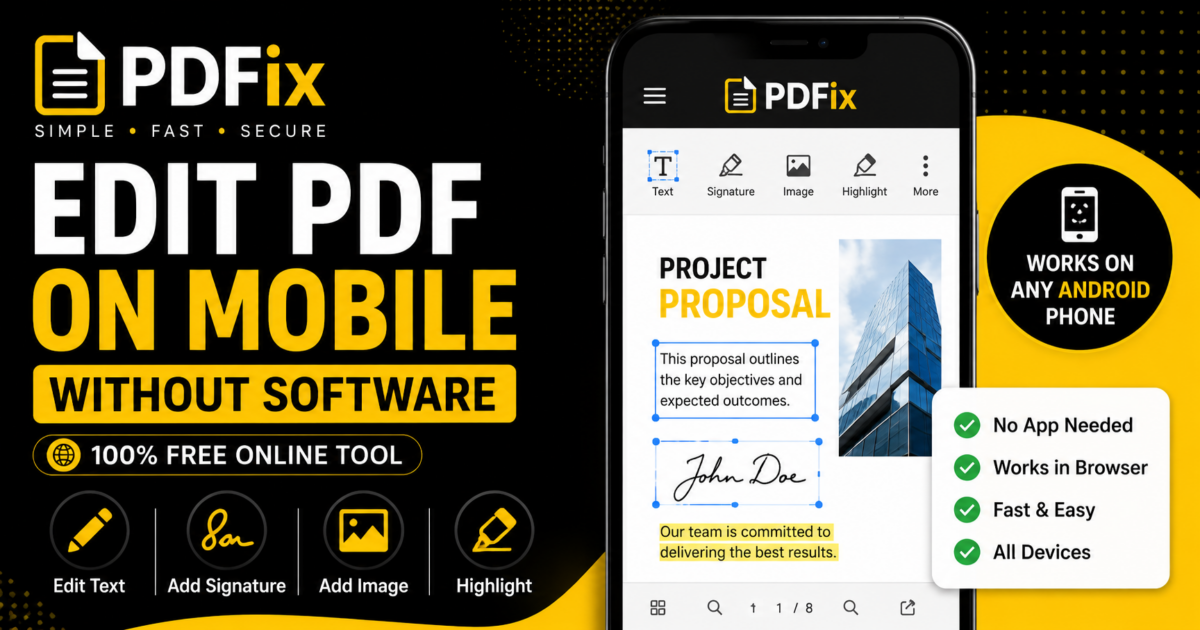
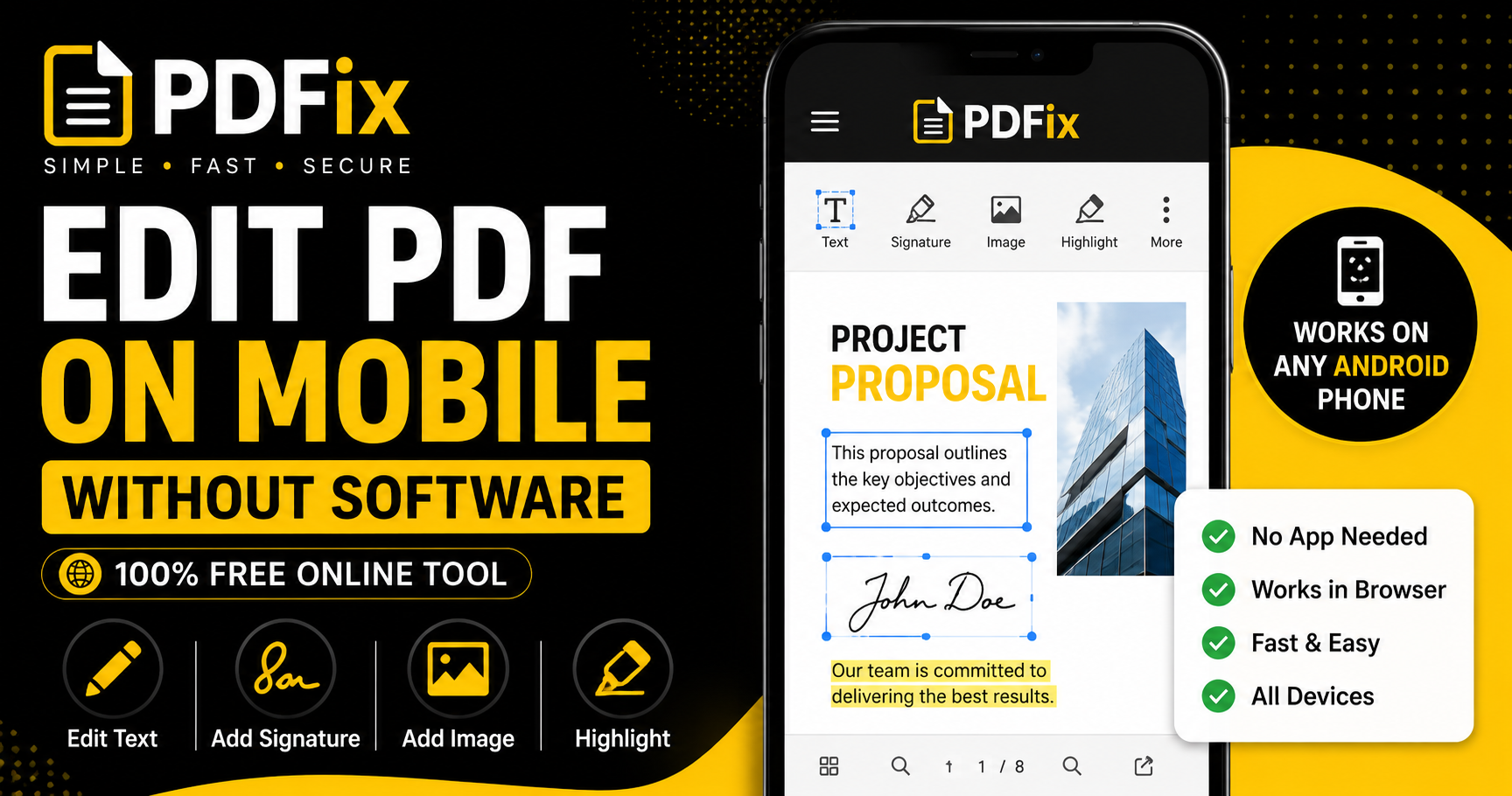
1 — Edit PDF Text in Browser
The easiest way to perform mobile PDF editing without software is by using browser-based tools. Open the tool, upload your file, and make changes instantly.
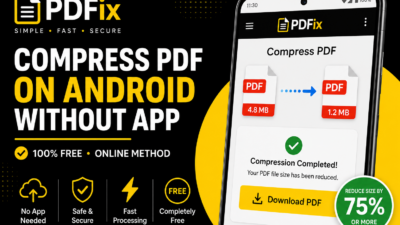
2 — Compress PDF for Faster Sharing
Large files are difficult to send from phones. Compressing the document makes sharing easier.
3 — Merge Multiple PDFs
If you have several documents, combine them into one PDF before sending or editing.
4 — Convert Photos to PDF
Need to edit scanned documents? First convert phone photos into PDF format.
5 — Add Watermark for Protection
You can protect important files with custom text like “CONFIDENTIAL” or “DRAFT”.
6 — Remove Unnecessary Pages
Deleting unwanted pages reduces file size and improves readability.
7 — Save and Share Instantly
After editing, download the updated PDF and send it directly from your phone.
Best Mobile PDF Tasks Without Software
| Task | Best Tool | Result |
|---|---|---|
| Compress PDF | PDF Compressor | Smaller file size |
| Merge PDFs | PDF Merger | Single document |
| Convert Images | Image to PDF | Professional format |
| Add Watermark | Watermark Tool | Better protection |
How Mobile PDF Editing Works
When using mobile PDF editing without software, the process is simple:
- Upload your PDF file
- Select editing action
- Process instantly
- Download edited file
No app installation or account creation is needed.
Common Mistakes to Avoid
- Installing unnecessary large apps
- Uploading sensitive files to unknown sites
- Ignoring file size before sharing
- Not previewing edited documents
Tips for Better Mobile PDF Editing
- Use stable internet
- Choose mobile-friendly websites
- Compress files before sharing
- Keep backups of original files
Is Mobile PDF Editing Without Software Safe
Yes, if using trusted platforms:
- Files auto-delete after processing
- No permanent storage
- Secure upload systems
This ensures your documents stay private.
Understanding PDF Format
The PDF format is designed for universal document sharing.
According to Google Drive guidelines, optimized files improve mobile performance and sharing speed.
Frequently Asked Questions
Can I do mobile PDF editing without software?
Yes, browser-based tools make it easy.
Do I need an app?
No, you can edit PDFs directly online.
Can I use it on Android and iPhone?
Yes, it works on both.
Is it free?
Yes, many tools are completely free.