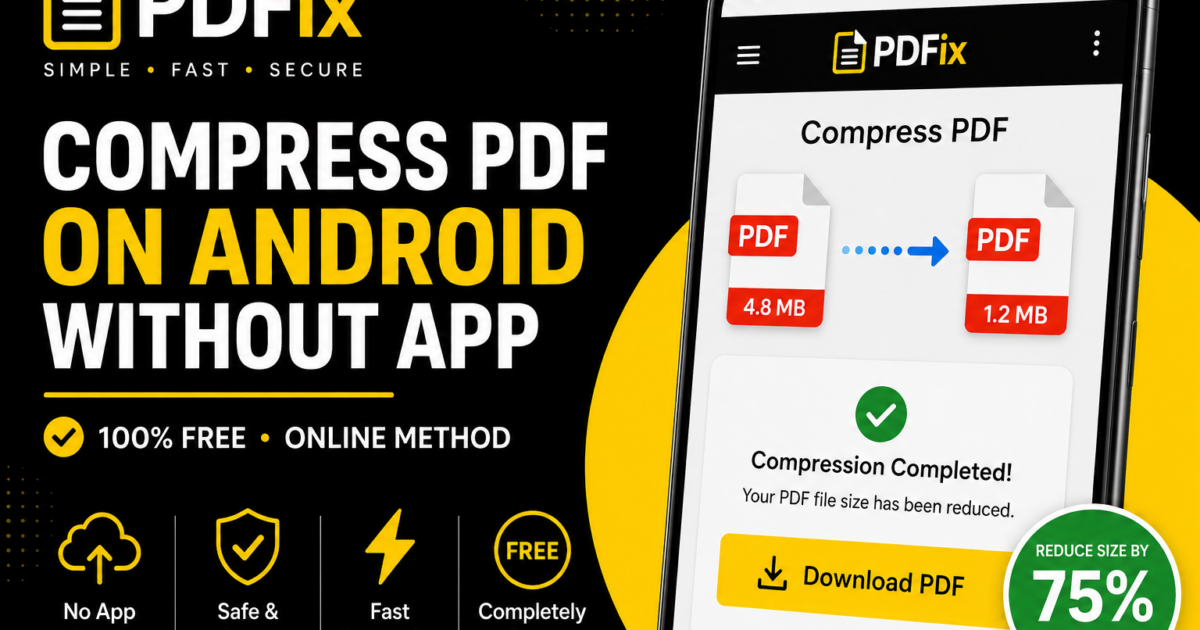
Compress PDF on Android Without App (7 Easy & Fast Methods)
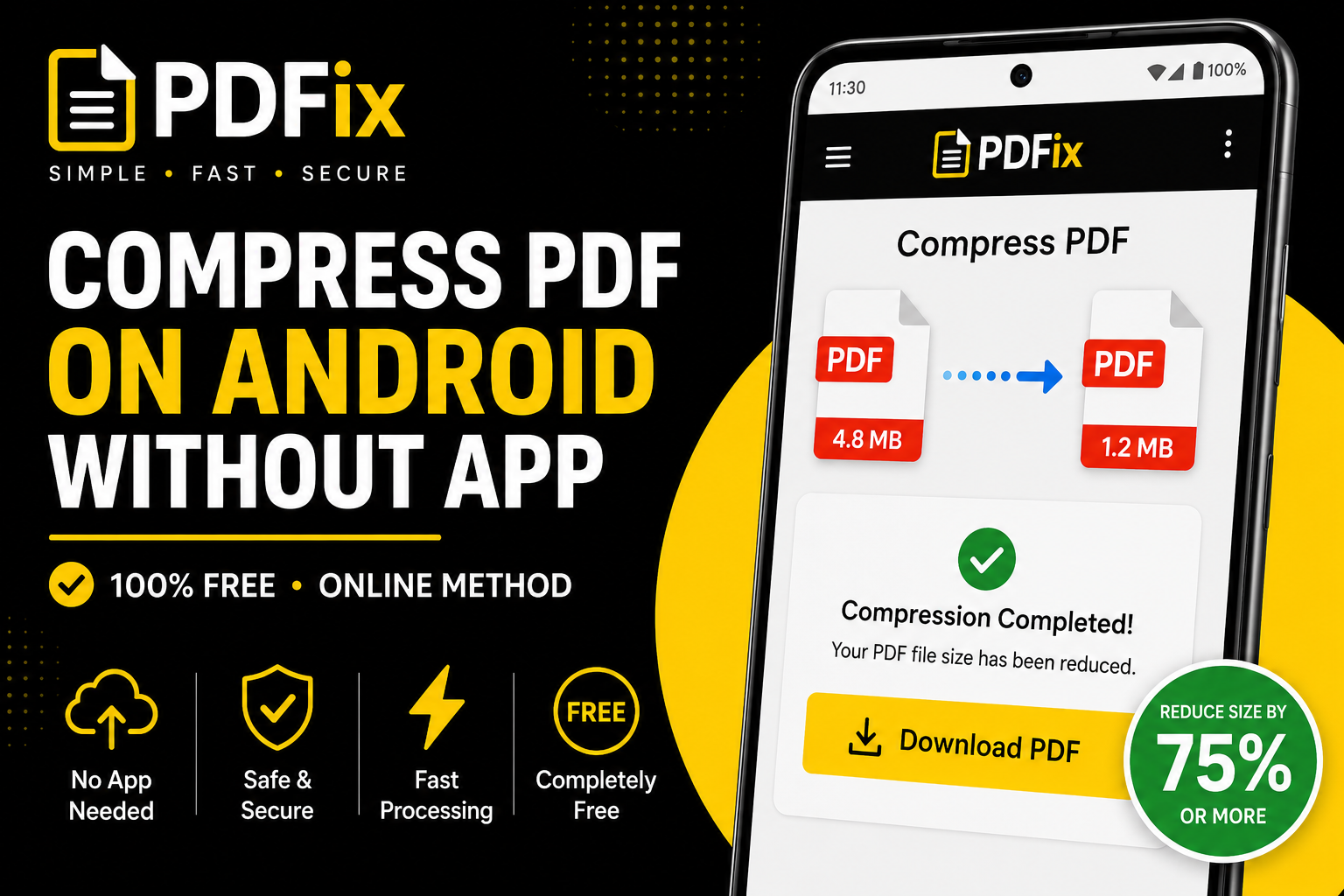
Compress PDF on Android without app is the easiest way to reduce file size directly from your phone without installing extra software. Many users prefer browser-based tools because they are fast, simple, and secure.
In this guide, you’ll learn how to compress PDF on Android without app using effective methods that work instantly.
Why Compress PDF on Android Without App
There are many reasons to compress PDF on Android without app:
- No installation required — saves storage space
- Fast processing — instant results
- Works on any device — browser-based tools
- Secure handling — no permanent storage
7 Easy Ways to Compress PDF on Android Without App
1 — Use a Browser-Based PDF Compressor
The easiest way to compress PDF on Android without app is using an online tool directly from your browser.
2 — Choose Balanced Compression
Balanced mode keeps quality while reducing file size.
3 — Upload Your PDF File
Select your file from phone storage or cloud.
4 — Compress and Download
Process the file and download instantly.
5 — Reduce Image Quality
Lower image resolution for smaller file size.
6 — Remove Unnecessary Pages
Delete extra pages before compression.
7 — Share Directly After Compression
Send via email or messaging apps easily.
Best Settings for Mobile Compression
| Use Case | Setting | Result |
|---|---|---|
| Balanced | Good quality + small size | |
| Small | Very small file | |
| Storage | Optimized | Save space |
Balanced compression is best for most Android users.
How Compression Works on Android
When you compress PDF on Android without app, the system:
- Reduces image resolution
- Removes unnecessary data
- Optimizes file structure
This keeps your document readable while reducing size.
Common Mistakes to Avoid
- Using low-quality tools
- Over-compressing files
- Ignoring file size limits
- Compressing multiple times
Tips for Better Results
- Use stable internet connection
- Choose balanced compression
- Remove unnecessary pages
- Preview before sharing
Is It Safe to Compress PDF on Android
Yes, if using trusted tools:
- Files are auto-deleted
- No permanent storage
- Secure processing
This ensures your data remains private.
Understanding PDF Format
The PDF format ensures consistent layout across devices.
According to Google Drive guidelines, optimized files improve sharing performance.
When Should You Compress PDF on Android
- Sending files via email
- Sharing on WhatsApp
- Uploading documents online
- Saving storage space
Frequently Asked Questions
How to compress PDF on Android without app?
Use an online PDF compressor in your browser.
Does it reduce quality?
Minimal if using balanced settings.
Is it free?
Yes, completely free.
Can I use it offline?
No, internet is required.