Best Way to Compress PDF Online Free (7 Easy & Powerful Methods)
Best way to compress PDF online free is something many people search for when dealing with large PDF files. Big PDFs are hard to email, slow to upload, and take up unnecessary storage space.
Fortunately, the best way to compress PDF online free does not require expensive software or technical knowledge. You can reduce file size in seconds using browser-based tools while keeping document quality intact.
Why You Need to Compress PDF Files
Before learning the best way to compress PDF online free, it helps to understand why PDFs become too large.
Common reasons include:
- High-resolution images inside PDFs
- Scanned pages with large file sizes
- Too many pages in one document
- Embedded fonts and metadata
Large PDFs often create problems like:
- Email attachment failures
- Slow uploads
- Storage limitations
- Sharing issues on mobile devices
7 Best Ways to Compress PDF Online Free
Reduce PDF size instantly without signup or software installation.
1 — Use a Browser-Based PDF Compressor
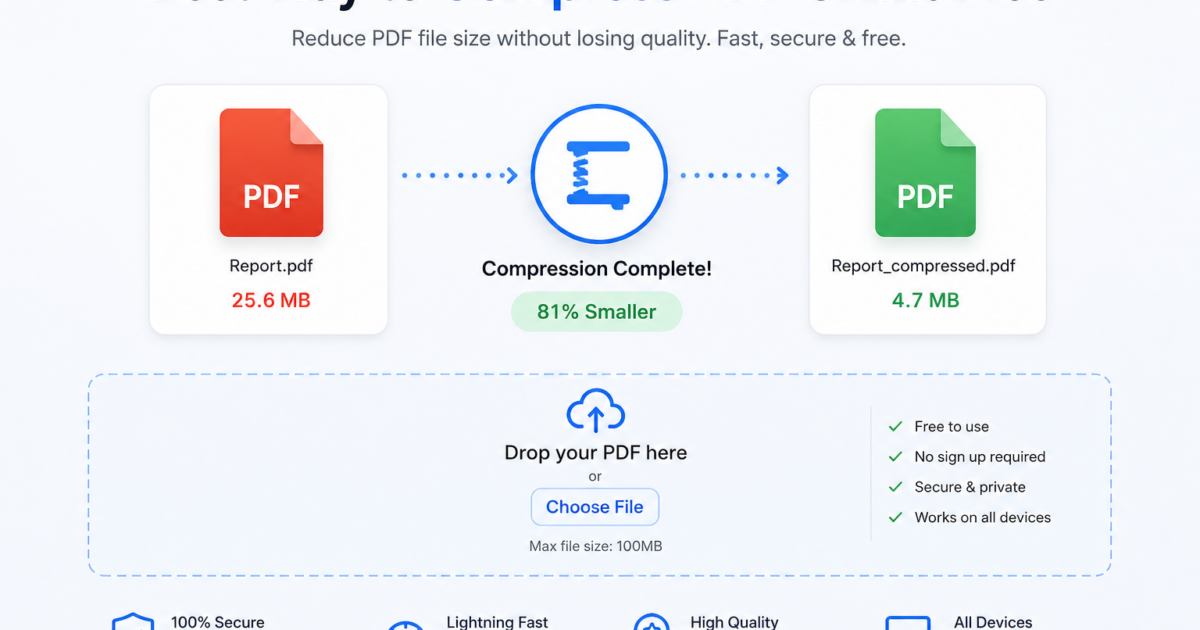
The best way to compress PDF online free is using an online compression tool directly in your browser.
You simply:
- Upload PDF
- Select compression level
- Wait a few seconds
- Download smaller file
No installation or account is required.
2 — Choose Balanced Compression
Balanced compression keeps documents readable while significantly reducing size.
This works best for:
- Email attachments
- Assignments
- Business documents
- Online submissions
3 — Optimize Images Inside PDF
Images are usually the biggest reason PDFs become oversized.
The best way to compress PDF online free often includes reducing image resolution slightly without noticeable quality loss.
4 — Remove Unnecessary Pages
Delete blank pages, duplicate scans, or unnecessary sections before compression.
This reduces size immediately.
5 — Compress After Merging PDFs
If combining files:
Merge PDFs first, then compress the final version for better optimization.
6 — Convert Images Before PDF Creation
Using JPG instead of PNG before PDF creation helps reduce size.
7 — Avoid Repeated Compression
Compressing the same PDF multiple times can reduce readability.
Compress once using trusted tools.
Best Compression Settings
| Purpose | Recommended Setting | Result |
|---|---|---|
| Balanced | Good quality + smaller file | |
| Strong | Very small size | |
| Printing | Light | Better quality |
| Web Upload | Balanced | Fast upload |
How PDF Compression Works
The best way to compress PDF online free works by:
- Reducing image resolution
- Removing hidden metadata
- Optimizing fonts
- Reorganizing file structure
This makes files smaller while keeping text readable.
Common Mistakes to Avoid
- Using unknown or unsafe tools
- Compressing multiple times
- Choosing maximum compression unnecessarily
- Ignoring final quality check
Tips for Better Compression Results
- Use balanced settings first
- Compress after merging PDFs
- Optimize images before PDF creation
- Preview final file before sending
Is It Safe to Compress PDF Online
Yes, trusted tools make the best way to compress PDF online free secure by:
- Automatically deleting uploaded files
- Avoiding permanent storage
- Using secure processing systems
This keeps documents private.
Understanding PDF Format
The PDF format preserves layout and formatting across all devices.
According to Google Drive guidelines, optimized files improve upload speed and sharing efficiency.
Frequently Asked Questions
What is the best way to compress PDF online free?
Using a browser-based PDF compressor with balanced settings.
Will compression reduce quality?
Only slightly if optimized correctly.
Can I compress PDF on mobile?
Yes, it works on Android and iPhone browsers.
Is it completely free?
Yes, many tools are free without signup.